Main Menu > Edit Menu > Settings
Settings - System 2
The System 2 window contains the following fields and options:
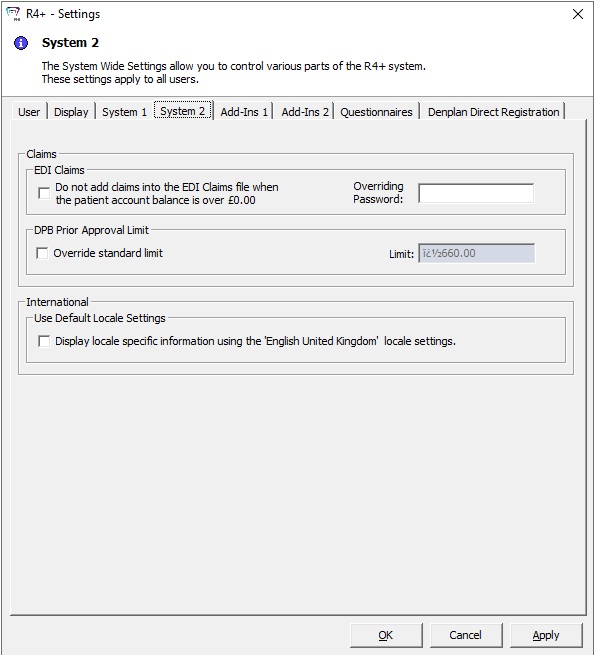
Claims
-
EDI Claims
-
Do not add claims into the EDI Claims file when the patient account balance is over ₤0.00 — Select this option if you do not want claims added into the EDI Claims file when the patient has a balance.
-
Overriding Password — Enter a password to use when overriding the preceding option.
DPB Prior Approval Limit
-
Override standard limit — Select this option if you want to override the standard limit.
-
Limit — Enter a value for the limit.
International
Use Default Locale Settings — Select Display locale specific information using the 'English United Kingdom' locale settings for international offices if you want to use locale specific information.
-
These settings apply to all users.