Adding Provider Contact Information
To add contact information for a provider:
-
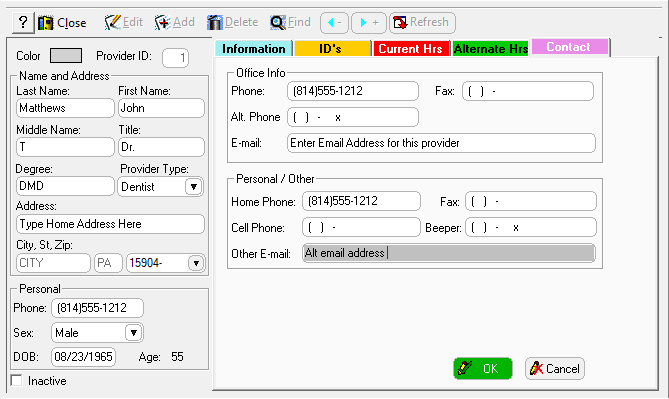
In the Add Provider window, click the Contact tab.
-
Enter additional contact information in the fields, including the email address and cell phone number.
-
Click OK.