Managing Failed Payment Plan Transactions
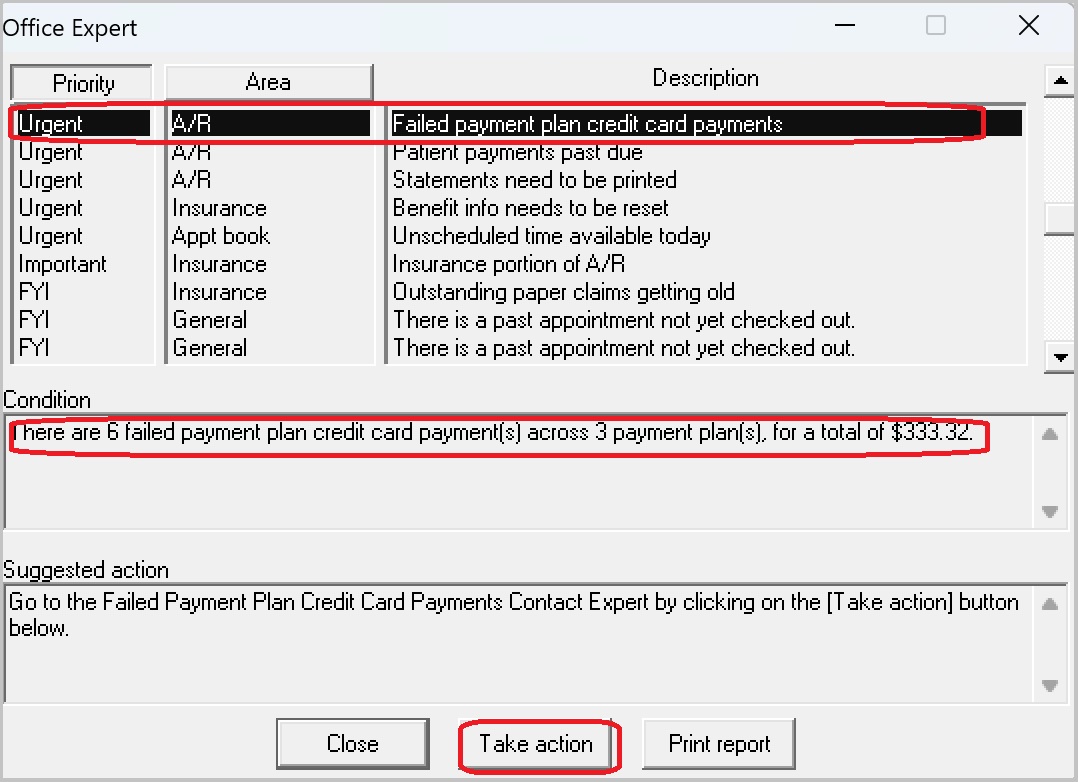
When Payment Plans set up through Payment Manager fail to process for some reason (if the card expires, is cancelled, or reaches the credit limit before the monthly charge, for example), you are notified by the Office Expert with an entry that says: Failed payment plan credit card payments.
The notification also provides the total number of failed payments, the number of affected plans, and the total dollar amount. You are prompted to Take action via the Failed Payment Plan Credit Card Payments Contact Expert.
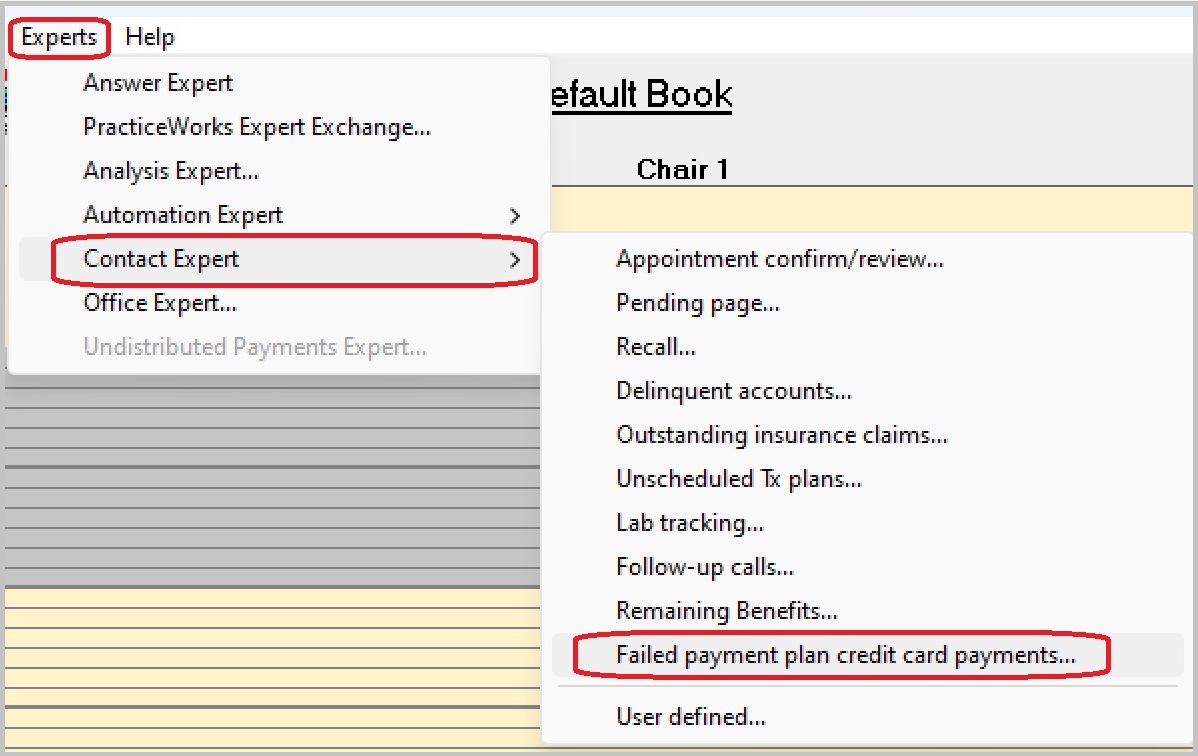
Note: You can also access this feature by selecting Experts > Contact Experts > Failed Payment Plan Credit Card Payments Contact Expert.
For each Responsible Party, the number of failed payments (Failed Count) is listed, along with Total Failed Amount, the Oldest Failure, and whether there is a current Consent On File.
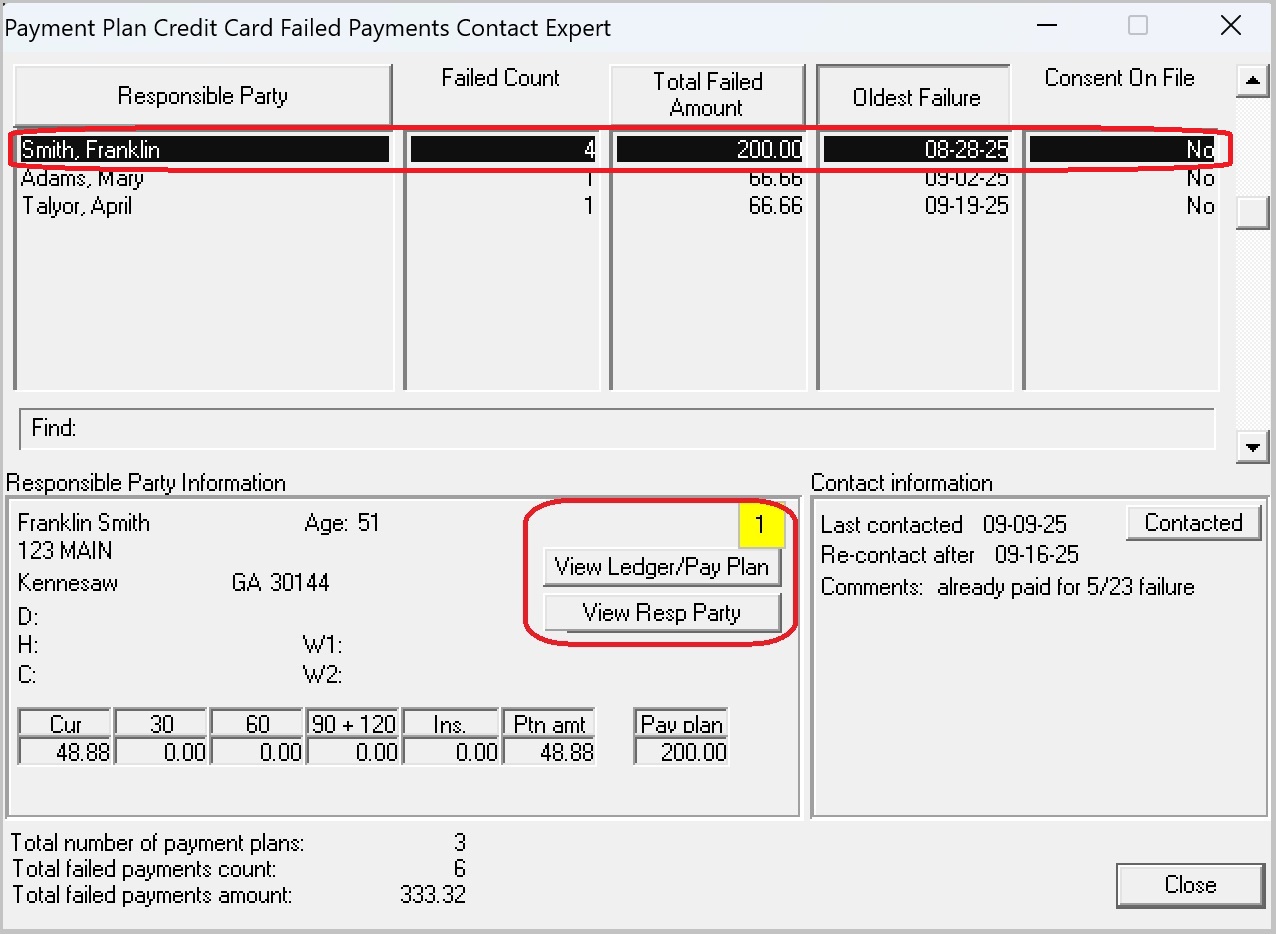
For the selected Responsible Party, select View Ledger/Pay Plan to access the Payment Plan Setup window and see which payments in the sequence failed.
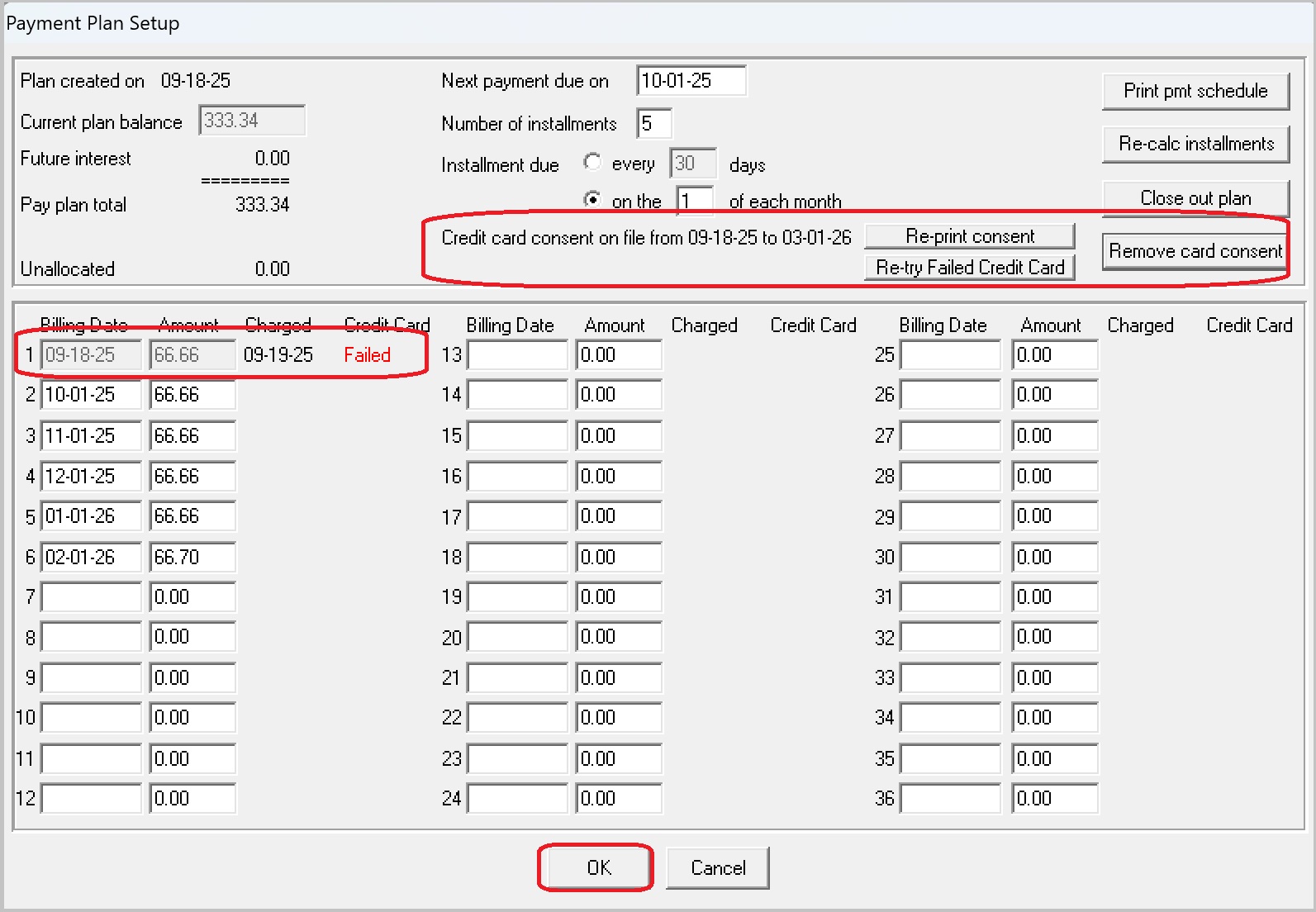
Use the options here to Re-try Failed Credit Card, Re-print consent, Remove card consent and/or enter a new credit card number and create a new consent.
Voiding or Refunding a Payment
Printing a Daily Transactions Report