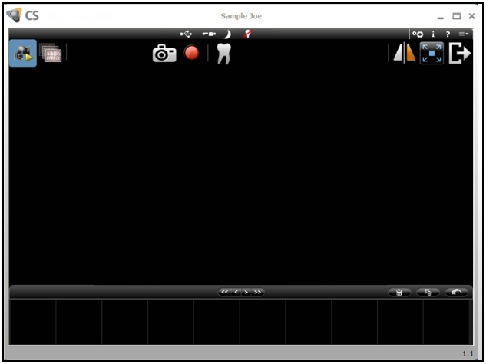
An image is captured initially in the CS Acquisition interface.
At the bottom of the window is the Image Gallery. It opens after a still image is captured, a video recording is stopped, or the Review button is clicked.
On the upper-right of the Image Gallery toolbar are three buttons: Delete, Delete All, and Restore. The Restore button restores the last deleted image.
Disinfecting and Maintaining the Camera
Applying the Protective Sheath