Setting Up Practice Information
Setting Office Hours
To set office hours:
-
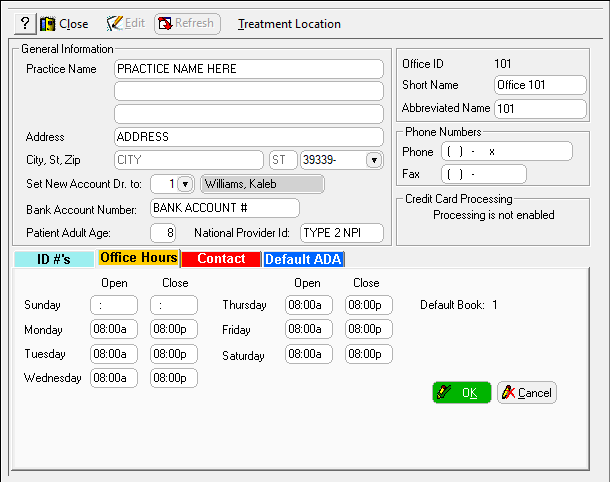
In the Practice Information window, click the Office Hours tab.
-
Enter the opening and closing times for each day. On days that the office is closed, leave the Open and Close fields blank.
-
Click OK.