Setting Routing Slip Preferences
To set routing slip preferences:
-
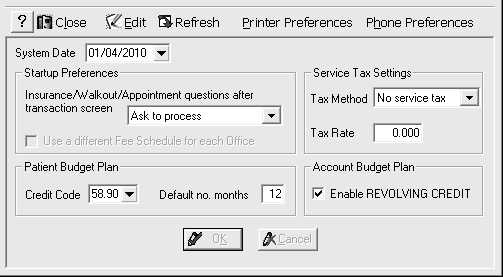
Select System > Change System Settings > General System. The General System Settings window is displayed.
-
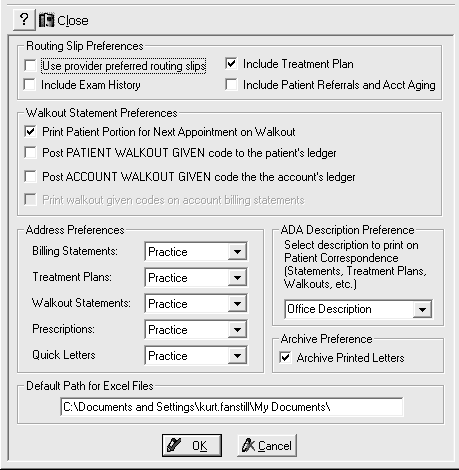
Click Printer Preferences. The System Printing Preferences window is displayed.
-
In the Routing Slip Preferences section of the window, you can select the following options to customize the routing slip:
-
Use provider preferred routing slipsUse provider preferred routing slips
-
Include Patient Referrals and Acct AgingInclude Patient Referrals and Acct Aging
-
Click OK.