Preparing and Positioning the Patient for 3D Teeth Images
To prepare and position the patient, follow these steps:
-
Position the 3D bite block support (make sure that it clicks fully into place), and place the 3D bite block or the 3D child bite block for a pediatric patient. Cover the bite block with a hygienic barrier.
-
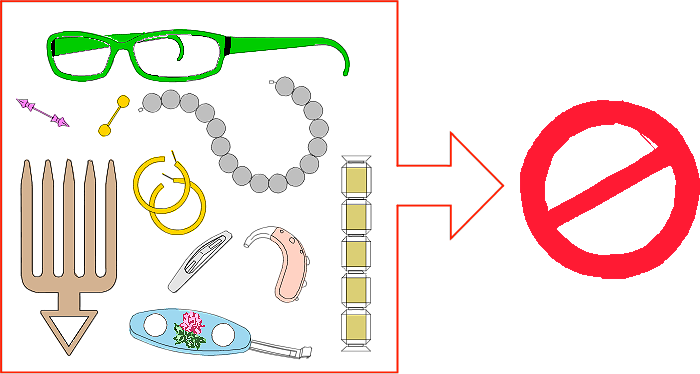
Ask the patient to remove and place all metal objects in the jewelry tray.
-
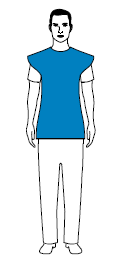
Ask the patient to wear a lead apron.
|
Ensure that the apron lies flat across the patient’s shoulders.
|
|
-
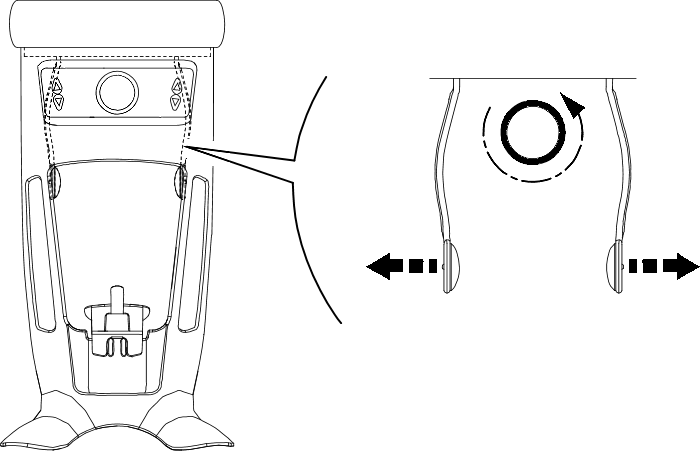
Turn the adjustment knob to open the temple supports laterally.
 |
Note: You can adjust the temple supports manually to the back or front for a better head fit. |
-
Ask the patient to enter the unit. On the Positioning panel, press and hold
 to raise the chin rest to the height of the patient.
|
Note: If the patient is too tall, ask the patient to sit on a stool. |
-
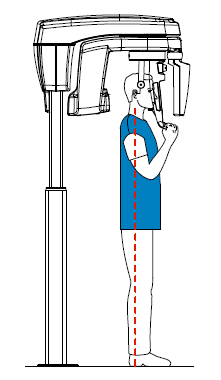
Ask the patient to:
|
|
-
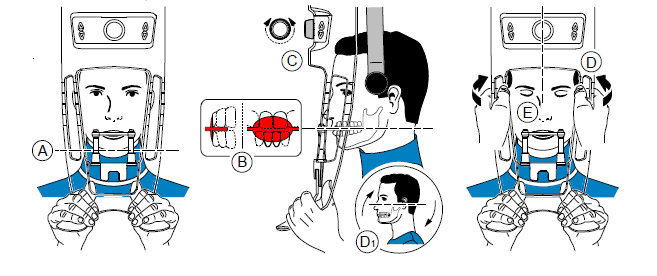
Ask the patient to place the chin on the chin rest support (A).
-
Ask the patient to bite on the bite block:

IMPORTANT: You must cover the bite blocks with FDA-cleared protective sheaths that are available from distributors.
-
If you are using a standard 3D bite block, ask the patient to bite on the 3D bite block as shown (A), (B).
-
If you are using a 3rd molar offset 3D bite block:
-
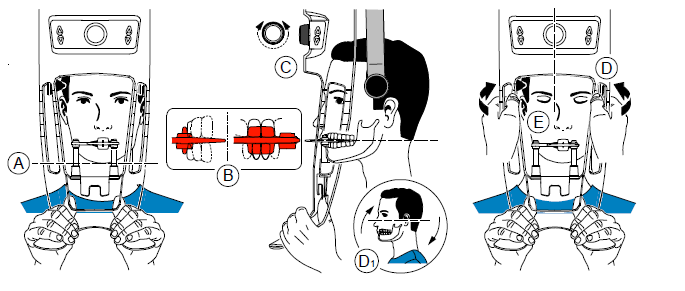
To acquire an image of the right 3rd molar, ask the patient to bite on the side of the bite block indicated Mr as shown (A):
-
-
To acquire an image of the left 3rd molar, ask the patient to bite on the side of the bite block indicated Ml as shown (A):
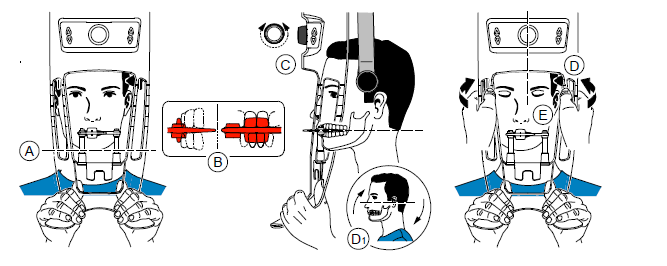
The indication on the bite block (Ml or Mr) should be placed in the corresponding region inside the patient’s mouth.
Ask the patient to bite into the bite block, making sure that the patient places the upper incisors before the incisive stopper (B).
-
Turn the adjustment knob to close the temple supports (C).
-
Use both hands to align the vertical position of the head (D).
-
Ask the patient to:
-
Close the eyes (E).
-
Swallow.
-
Remain still.
-
Breathe through the nose.
-
Place the tongue on the palate.
-