Contacting Support
You can find answers to common questions by using the Support window.
To access the Support window:
-
Click your name in the upper-right corner of the page. The User menu is displayed. Select Get Support.
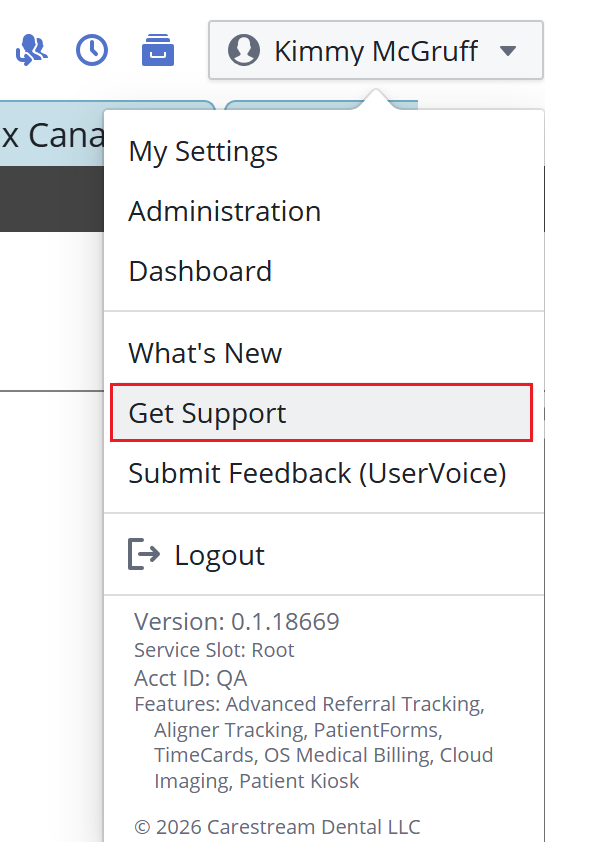
The Support window is displayed.
-
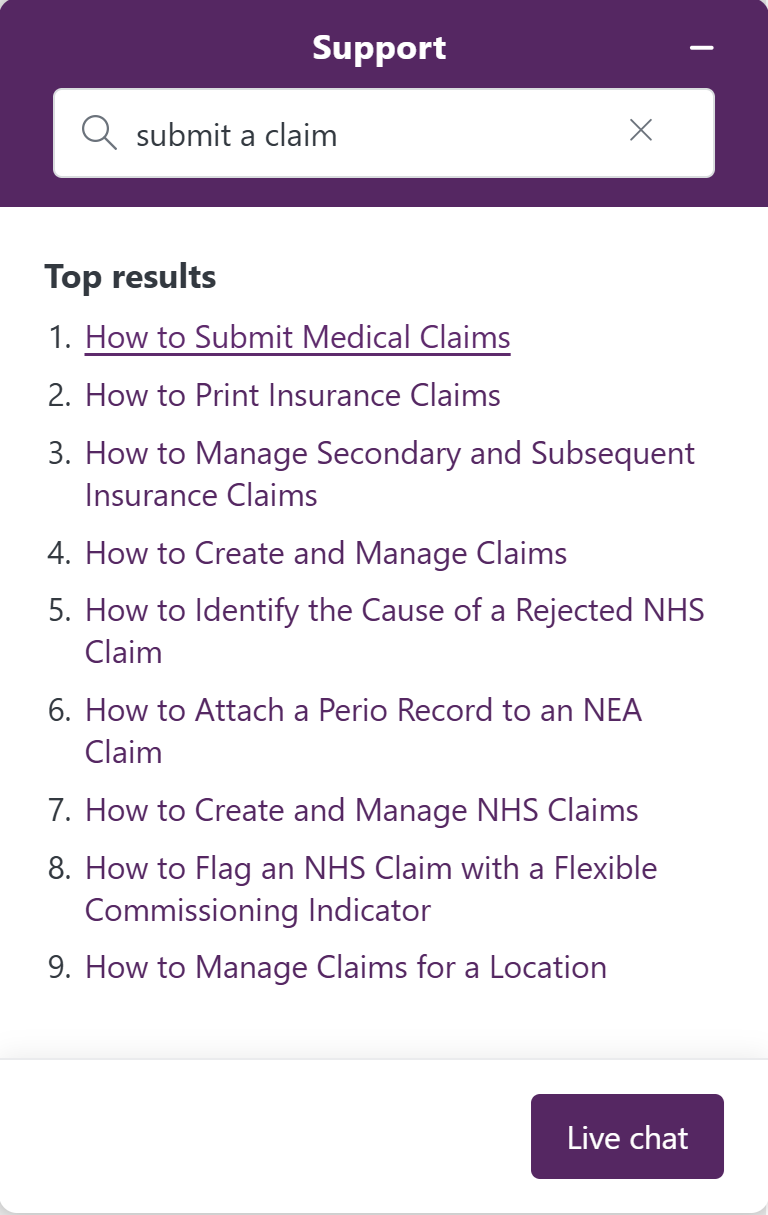
Type search words in the Support Search field and press Enter. The top results are displayed.
-
Click on a topic to read the article.
Accessing the Chat Window
Use the Chat window to contact Support immediately.
To use the Chat feature:
-
Do the following:
-
In the Support window, click Live Chat.
OR
-
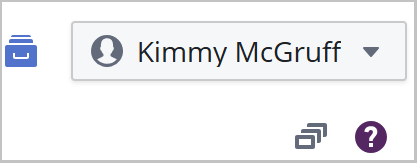
In the upper-right corner of the window, click ? below your name.
-
To access the Chat button, type in the Support Search field.

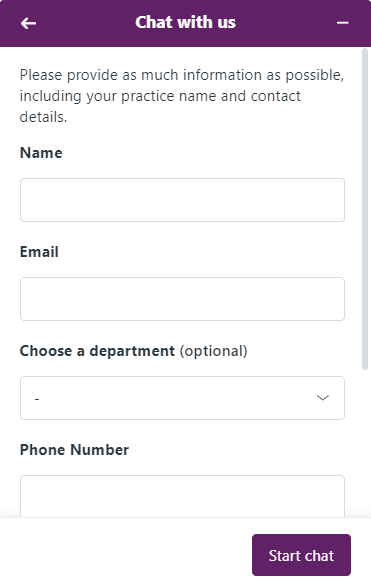
The Chat with us window is displayed.
-
Enter information in the fields and click Start chat.
Contacting Us
You can also contact support by clicking Sensei Cloud Support.