Updating and Adding to the Procedure List and Fee Schedule
Adding and Editing Allowance Tables
You can access an insurance plan's Allowance Tables from the Coverage column in the Insurance Plans List. These tables define the covered percentage or amount patient insurance is expected to pay for defined categories and procedures. This information is used to estimate patient and insurance due amounts, and is reflected in the Patient Ledger and Billing Statements.
-
It is important to set up these tables correctly before entering charges. Updates to Allowance Tables affect transactions going forward, but cannot correct past transactions.
To add or edit coverage details for an insurance plan:
-
From the Administration tab, select Insurance > Plans. The Insurance Plans List is displayed.
-
Use the filters to refine the list as needed; click column headings to sort the list.
-
In the Coverage column for each plan, click Add or View. The Plan_Name Allowance Table window is displayed.
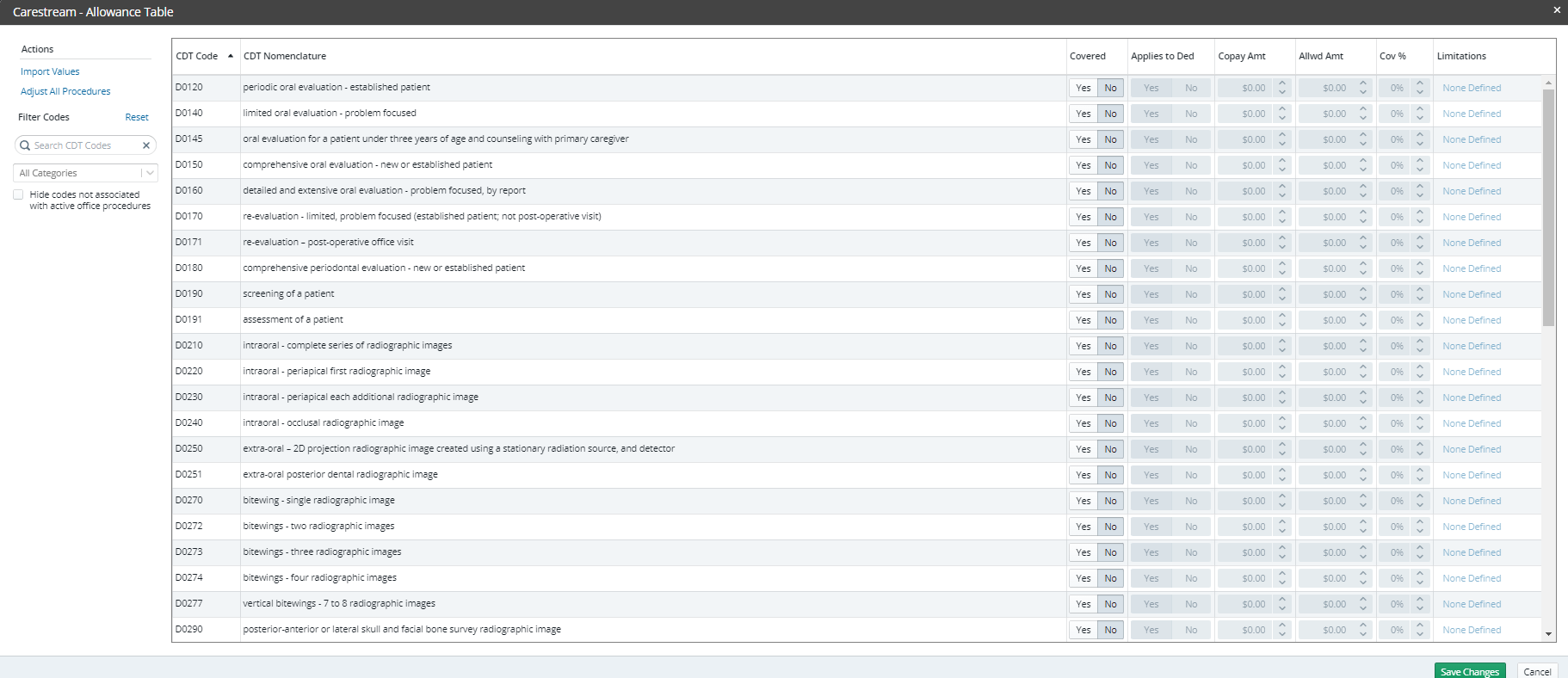
-
If you click View, a Table Summary is displayed. To make changes, click Edit Allowance Table Details for this Plan. The Plan_Name Allowance Table window is displayed.
-
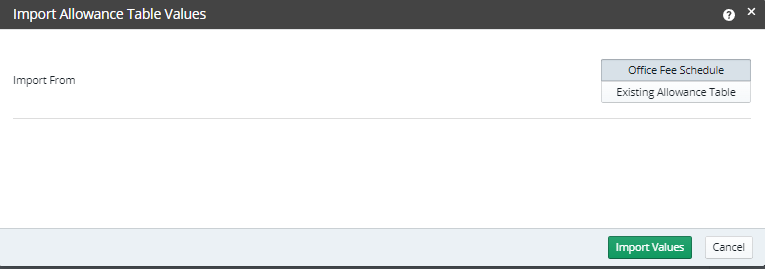
Under Actions, select Import Values. The Import Allowance Table Values window is displayed.
-
In the Import From field, select Office Fee Schedule or Existing Allowance Table.
-
Click Import Values.
-
ALL procedures must have a fee associated with them before you import a table.
-
Do one of the following:
-
For Office Fee Schedule, select Overwrite All or Fill in Blanks.
OR
-
For Existing Allowance Table, select the plan and click All Coverage Rules or Only Allowed Amounts.
-
Click Import Values.
-
Click Save Changes.
To adjust all procedures on a plan:
-
Under Actions, select Adjust all Procedures.
-
Select or enter information in the fields:
-
Covered–Yes or No
-
Applies To Deductible–Yes or No
-
Copay Amount–Enter $.
-
Coverage Percentage–Enter %.
-
Click Apply.
-
Click Save Changes.