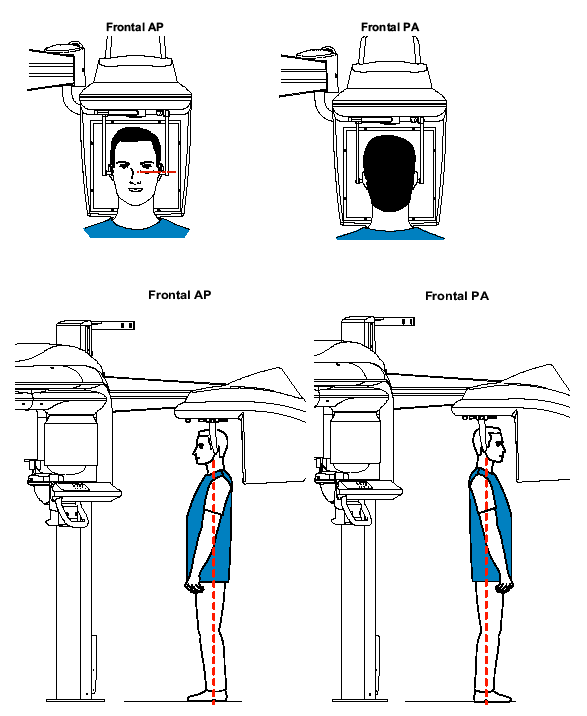
Press and hold the height adjustment buttons to level the ear cones to the patient’s auditory canals.
Insert one cone gently into the patient’s auditory canal. Turn the button slowly to close the arms. Insert the second cone gently into the patient’s auditory canal.
On the control panel, click  to turn
ON the Frankfort laser positioning beam and align the patient with
the beam for the frontal AP only.
to turn
ON the Frankfort laser positioning beam and align the patient with
the beam for the frontal AP only.