Generating and Exporting Virtual Cephalometric Images
In CS 3D Imaging, you can use the Virtual Ceph tool to generate images of integrated lateral, facial and axial views. These images are exported to the patient’s record in CS Imaging, from which you can export the images that a third-party cephalometric tracing software can open.
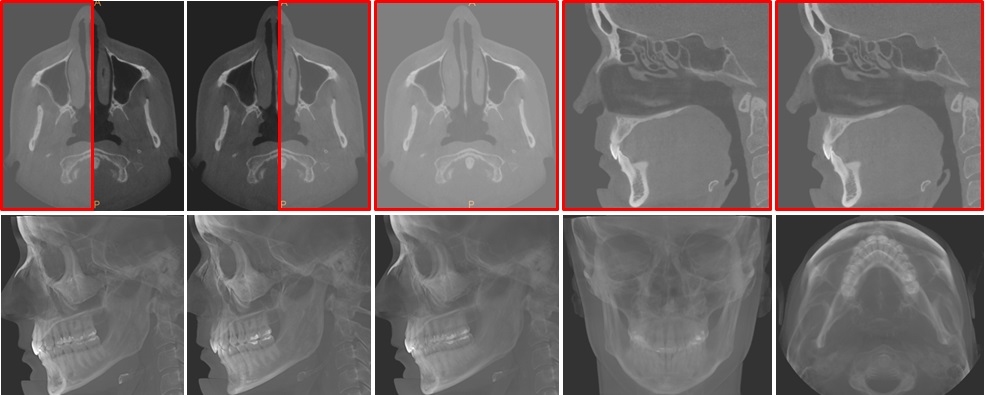
To use the Virtual Ceph tool to generate a virtual cephalometric image, follow these steps:
-
In the Tools pane, click
 .
.
The Virtual cephalometric images window appears.
-
Select any of the following view options.
|
Lateral |
This view shows the fully integrated skull.
|
|
|
Lateral Left |
This view shows the half integrated left side of the skull. |
|
|
Lateral Right |
This view shows the half integrated right side of the skull. |
|
|
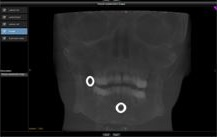
Frontal |
This view shows the fully integrated skull. |
|
|
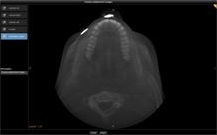
Submento-vertex |
This view shows the fully integrated skull from below or above.
|
|
-
Enter a description.
-
Adjust 2D MPR sliders to set the brightness, contrast and enhancement in the virtual cephalometric images.
-
Click Create.
Thumbnails of your screenshot are added to the Gallery and the image files are saved in the screenshots folder.